 Serviq
New: voice & smart drafts
Quote it. Bill it. Get paid.
Serviq is the simple way for contractors, electricians, plumbers and any service pro to create estimates, work orders, invoices and receipts as clean PDFs — straight from your iPhone.
- Works offline
- No account needed
- English, Português, Español, Deutsch
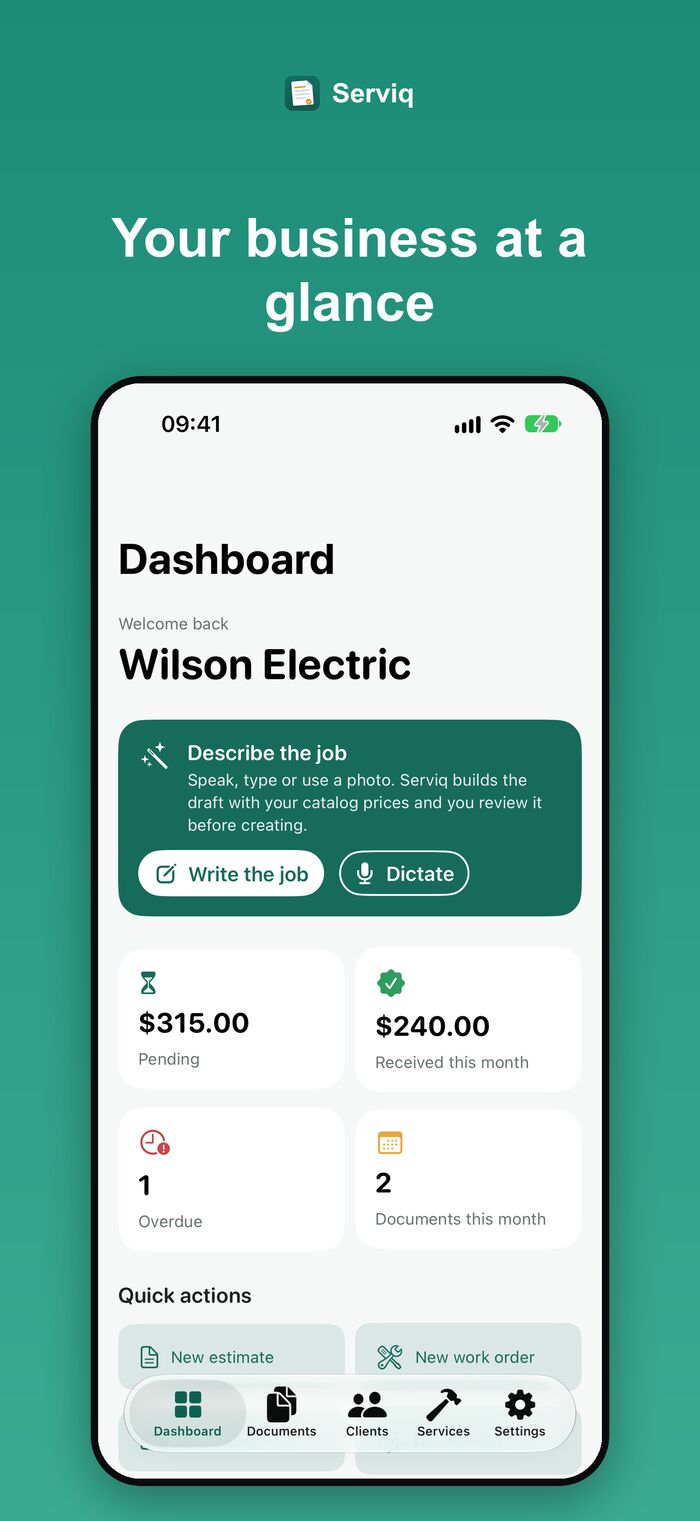
From the job site to paid, in four taps
No paperwork, no spreadsheets, no back-office software.
Build an estimate
Pick services from your catalog and send a professional PDF in under a minute.
Client approved?
Turn the estimate into a work order or an invoice with one tap.
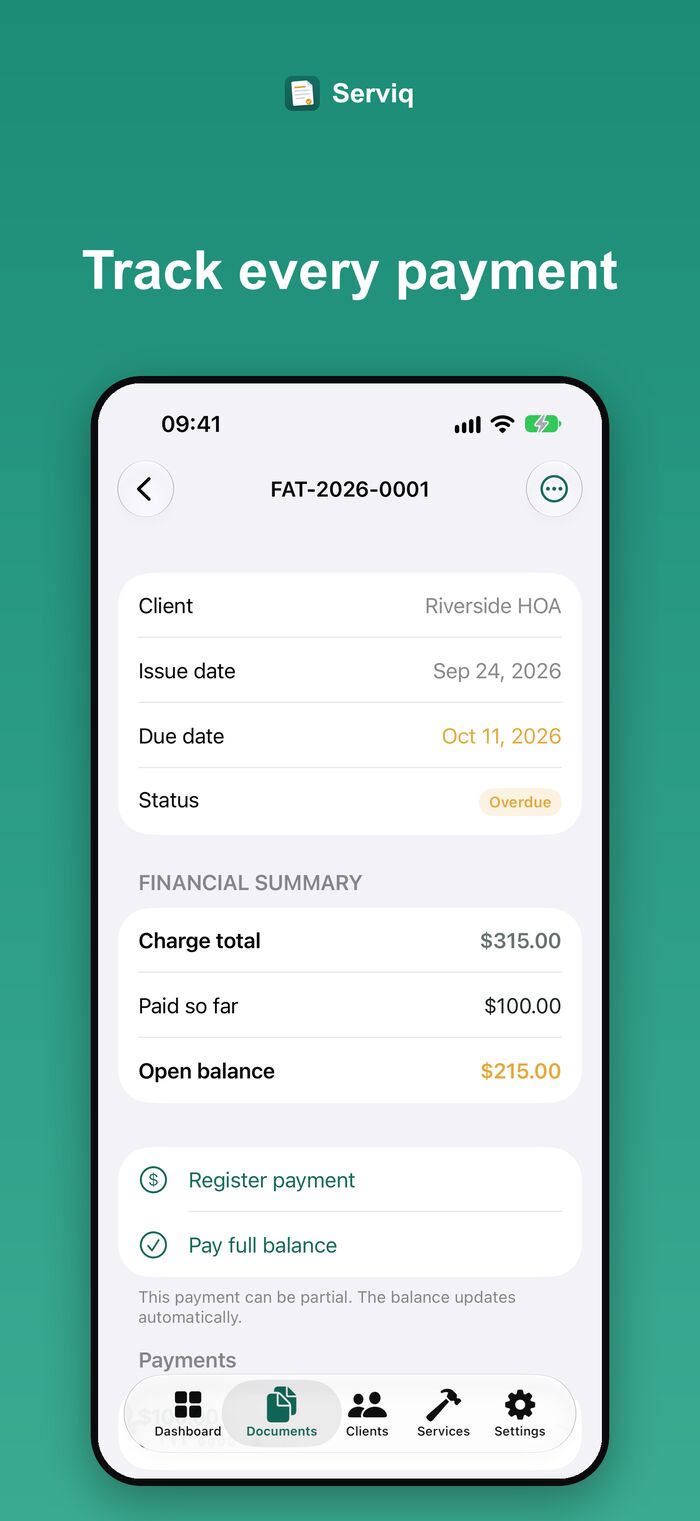
Track payments
Record partial payments and always see the open balance of each invoice.
Get paid, get a receipt
Generate the receipt automatically, with the payments already logged.
What’s new
Say what you did. Serviq writes the draft.
The newest version helps you create documents faster — and you stay in control of every number.
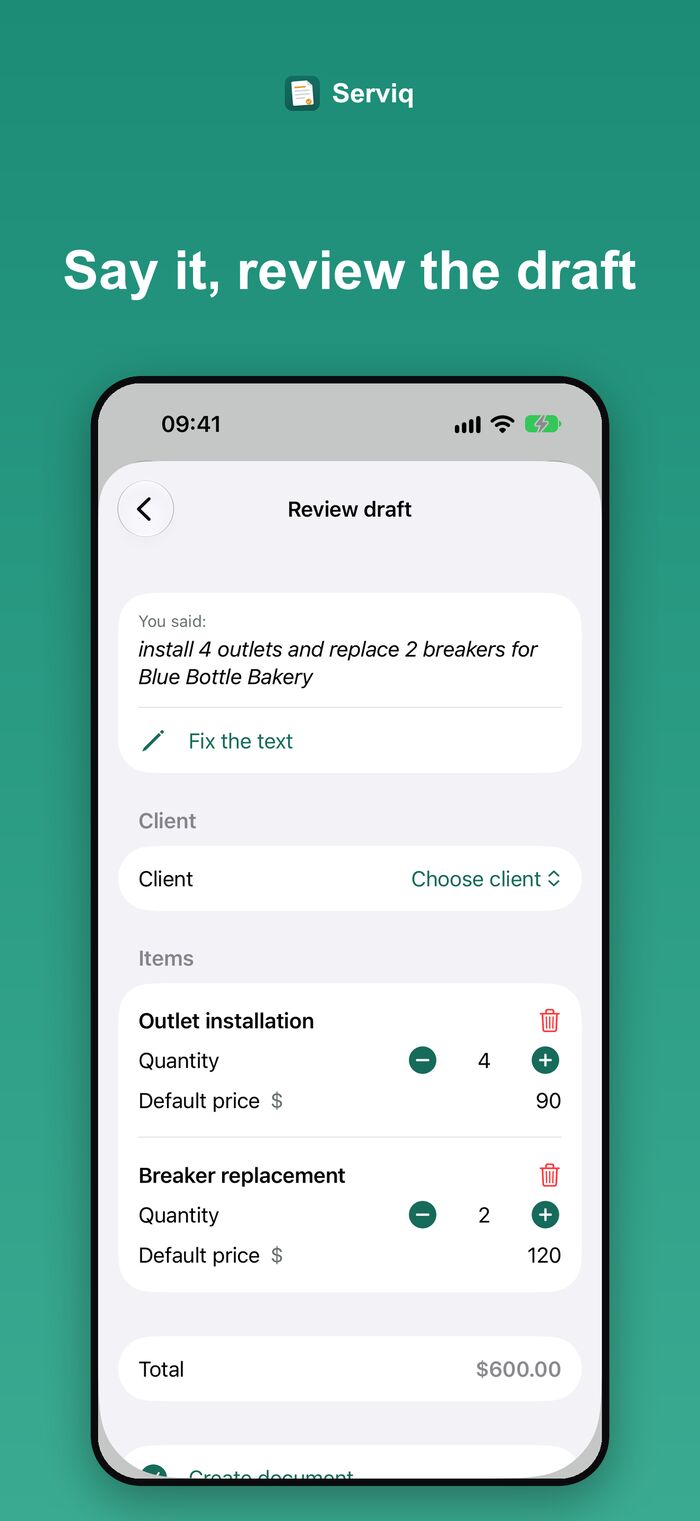
Describe the job. Review the draft.
Type the request, dictate it or snap a photo of a materials list. Serviq matches your catalog services and prices and hands you a draft to review — nothing is saved until you tap Create document.
- Voice is transcribed on your iPhone, so dictation works offline
- Photo or document scan of a request or materials list — the image is never stored or sent
- Items without a match are flagged so you fill in the price
- Never invents prices, discounts or deadlines
Smarter with Apple Intelligence — fine without it
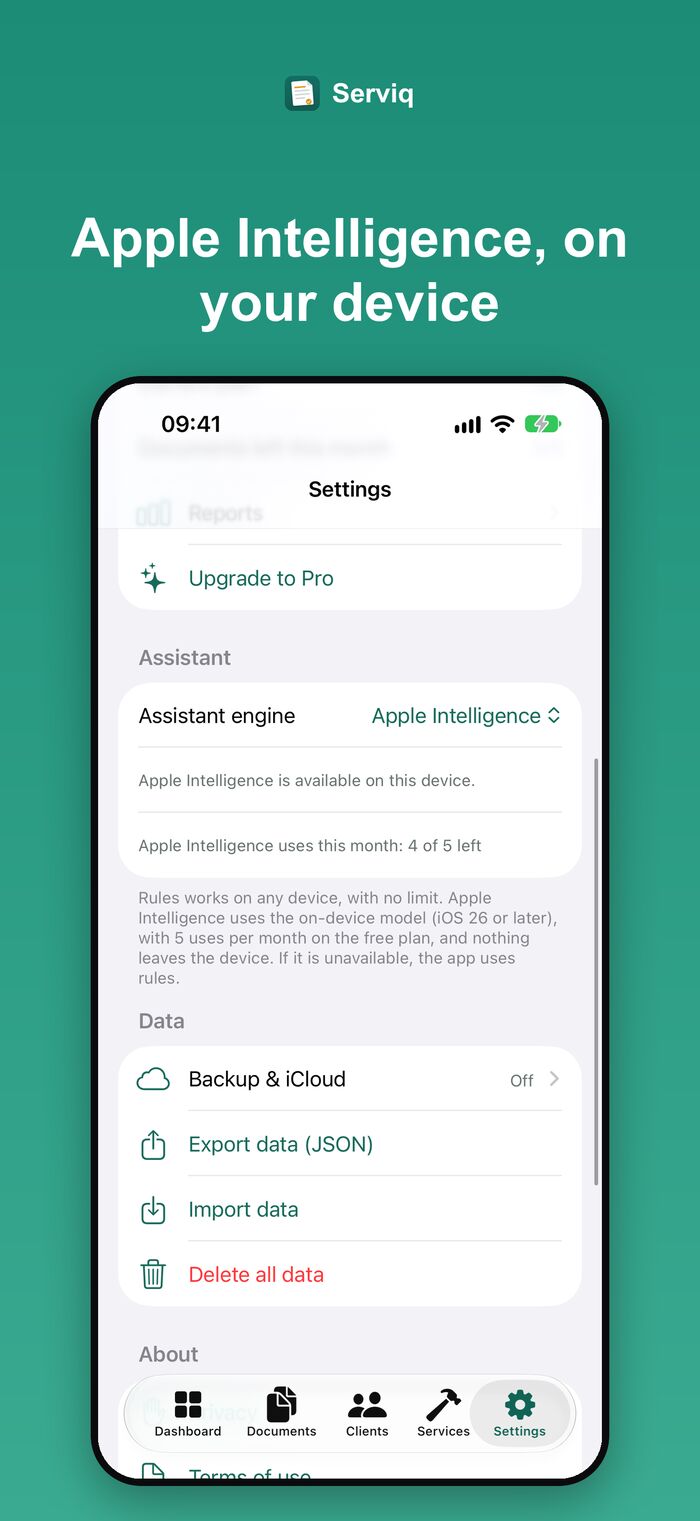
On eligible iPhones with iOS 26 or later, Serviq uses Apple Intelligence, which runs on the device. On any other iPhone, the built-in rules engine does the job offline and without limits. If the model isn’t available, Serviq falls back on its own — and the manual flow never depends on AI.
- Nothing leaves your iPhone for these features
- Free plan: 5 Apple Intelligence uses a month (the rules engine is unlimited) · Pro: unlimited
- You can switch the engine any time in Settings › Assistant
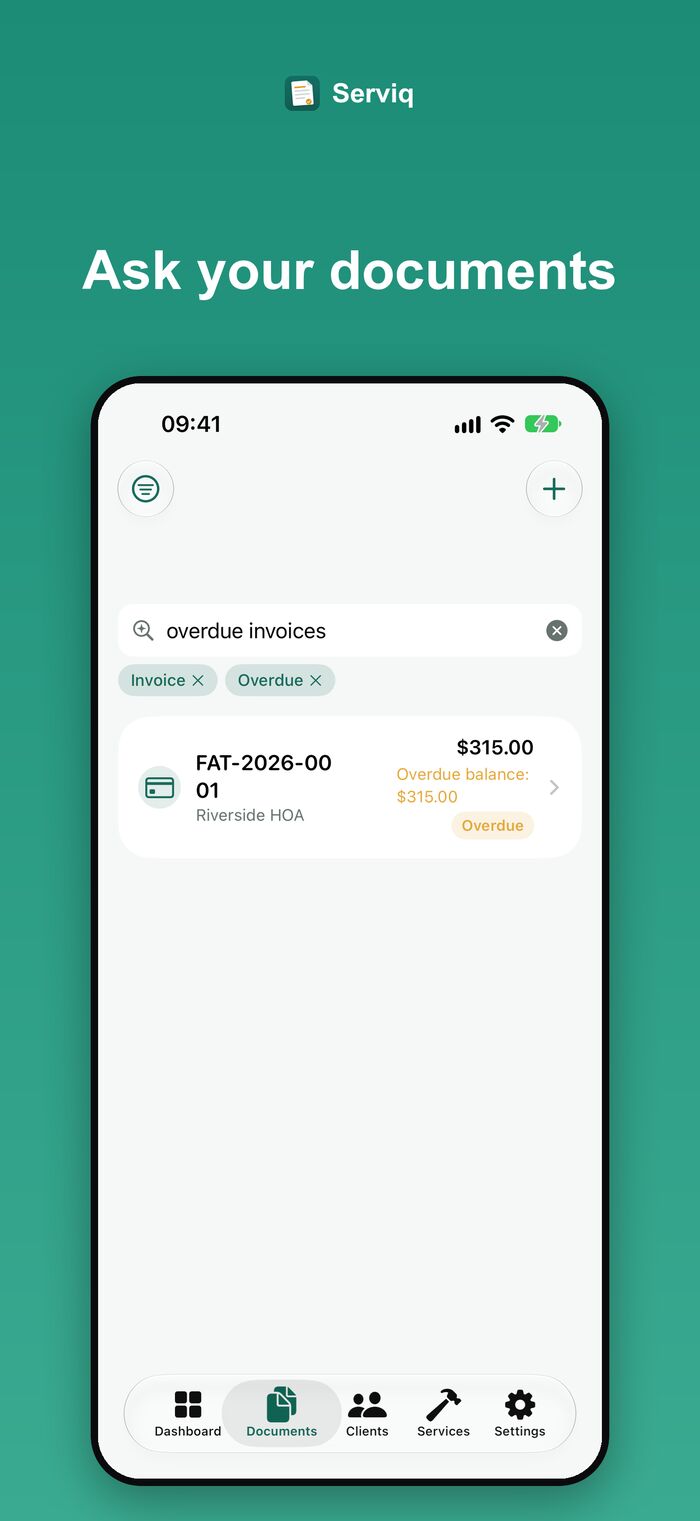
Ask your documents
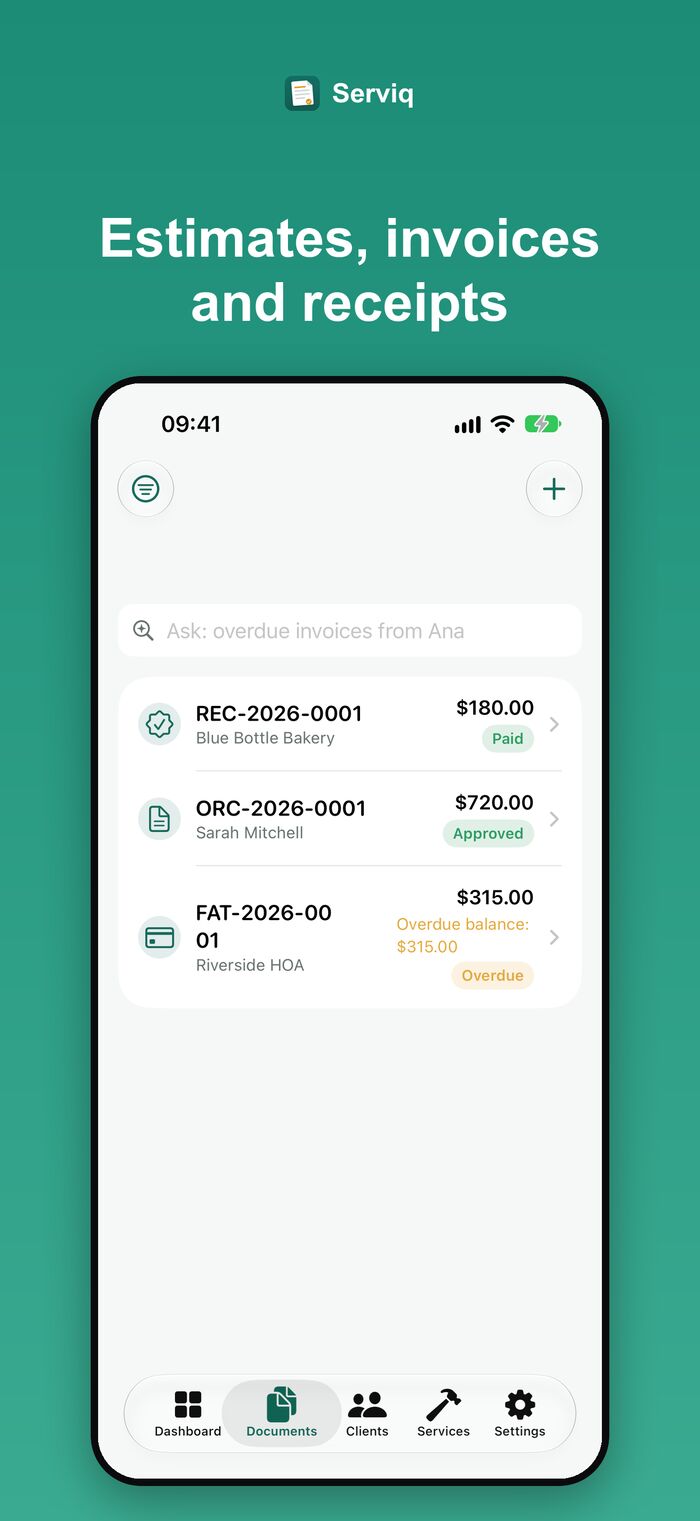
“Overdue invoices”, “approved estimates this month” — Serviq shows the filters it understood.
Billing message tone
Standard, Friendly or Direct. Amounts and due dates always come from the app.
Work order checklist
A summary of the scope and an editable checklist for the day of the job.
Siri & Shortcuts
Open a document or client, see overdue invoices or start an estimate by voice.
Also in recent versions
iCloud backup & sync
Your documents and clients follow you across all your devices, through your own iCloud account.
Track every document
Mark it as sent, viewed or approved and filter the list by status.
Private internal notes
Only you see them — they never show up on the client’s PDF.
Reliable balances
Invoice status follows the balance, totals are shown per currency and duplicate payments are reconciled.
Import & full export
Move to a new phone or back up everything as JSON or CSV, and import it again whenever you need.
Quick client & service sign-up
Add a client from a contact, or register a missing service right from the draft review.
Everything a service business needs
Professional documents, a clear view of what you are owed and nothing you don’t need.
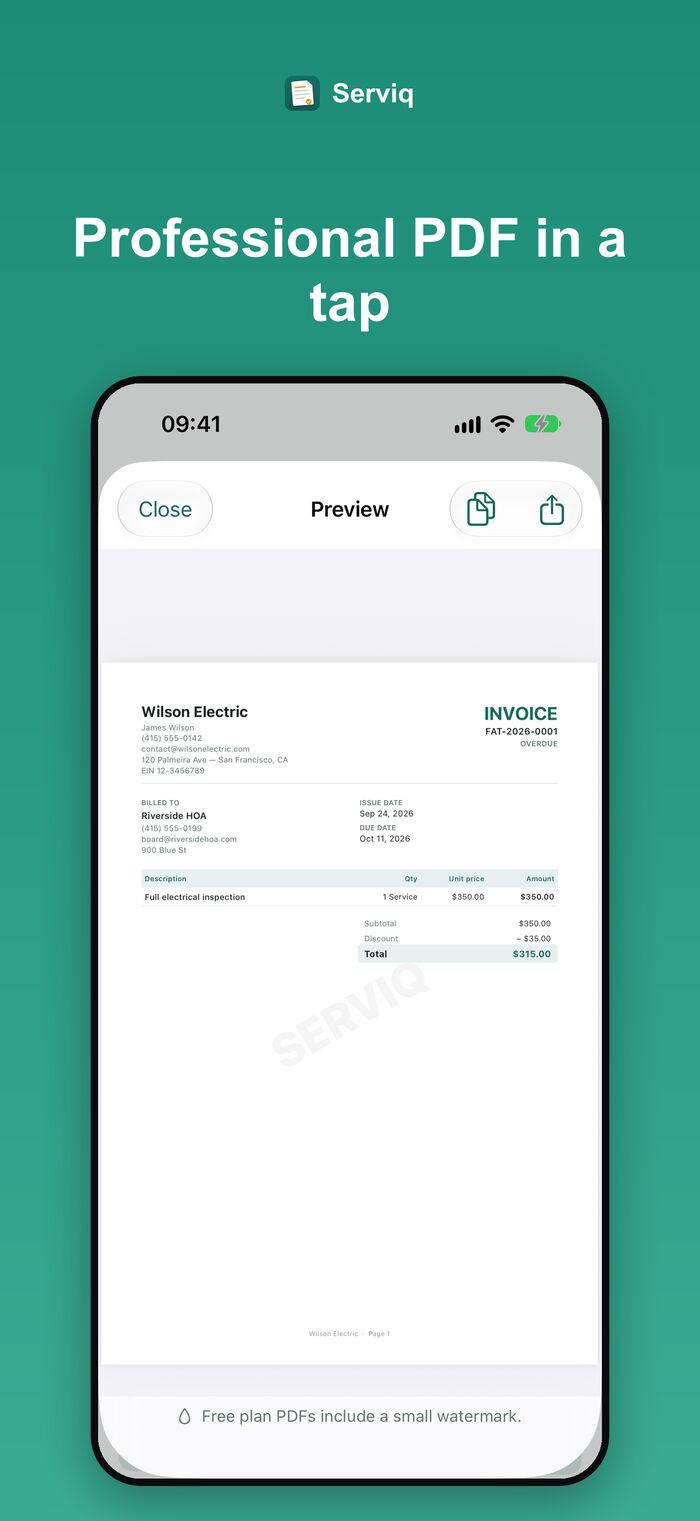
Professional PDFs
With your business details and logo. Share by WhatsApp, text or email.
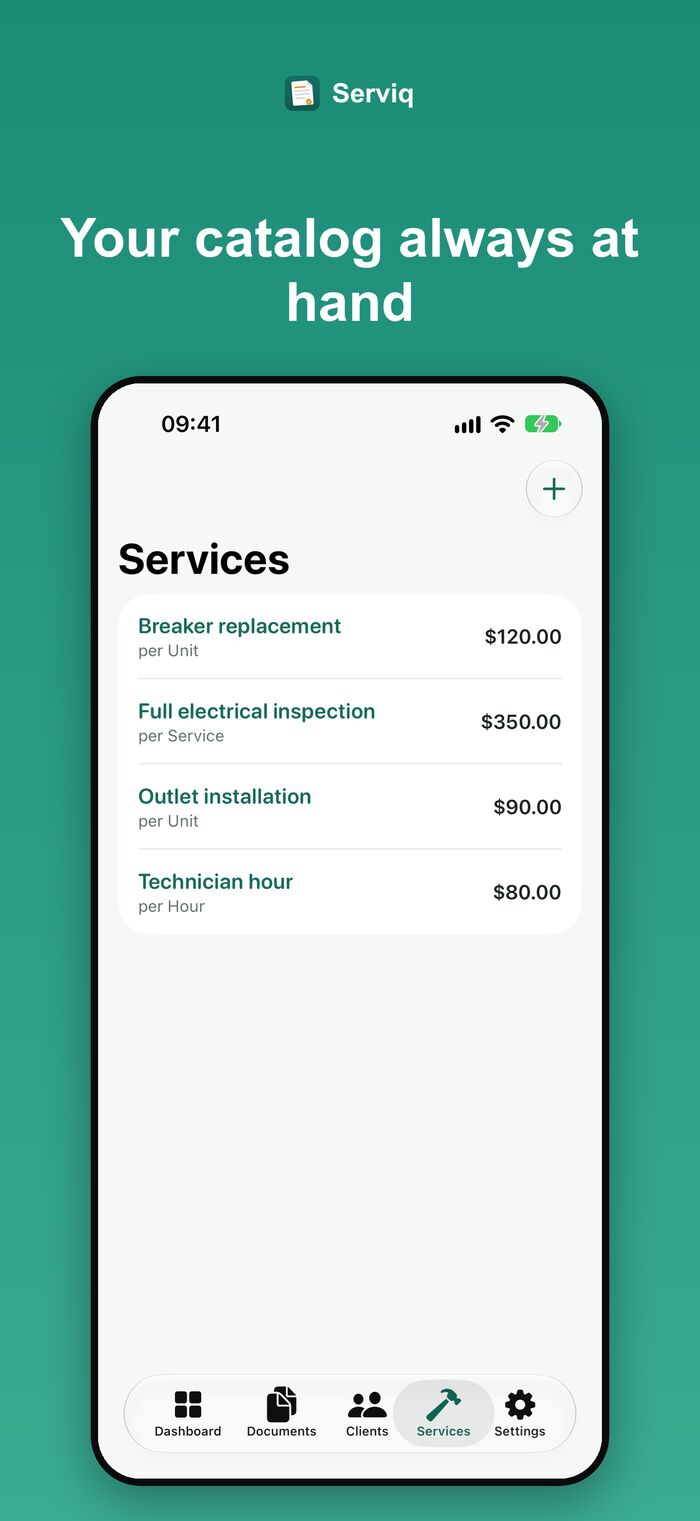
Service catalog
Reusable services with price and unit, so every estimate takes seconds.
Payments under control
Partial payments, open balances and local payment methods.
Reminders
Local reminders to follow up on unpaid invoices, with a ready-to-send message.
Your language, your currency
Interface and PDFs in English, Portuguese, Spanish and German, with local formats per country.
Business reports Pro
See what you received, what is pending and who your best clients are.
Start free. Go Pro when you grow.
Serviq Pro is a monthly or yearly subscription managed by Apple. Cancel any time.
Free
Everything you need to try it with real jobs.
- 3 documents per month
- Clean PDF template
- Clients, catalog, payments and reminders
- 5 Apple Intelligence uses per month (rules engine: unlimited)
Serviq Pro
For a business that bills every week.
- Unlimited documents
- PDF without watermark, with your logo
- On-screen client signature
- Extra PDF templates and business reports
- iCloud backup and sync
- Unlimited Apple Intelligence uses
Your data stays on your iPhone
Serviq has no server, no login and no analytics. Voice, photos and smart drafts are processed on your device, and the audio and images are not stored.
If you turn on iCloud sync (Pro), your data travels through your own iCloud account — never through us.
- No account required
- No ads, no tracking
- On-device dictation and drafts
- Permissions asked only when you use a feature
Questions
Do I need an account?
No. Serviq works offline and needs no sign-up or login.
Does Serviq issue official tax invoices?
No. Serviq creates simple commercial documents to organise your work and payments. It does not issue electronic fiscal documents or official tax invoices.
Do I need Apple Intelligence to use the smart drafts?
No. Without it, the built-in rules engine creates the draft on any iPhone, offline. With a compatible iPhone running iOS 26 or later and Apple Intelligence turned on, Serviq uses the on-device model.
Is my voice recorded or sent anywhere?
No. Dictation is transcribed on your iPhone, the audio is not stored and nothing is sent to a server. The microphone is only used while you dictate.
How do I cancel or restore Pro?
Subscriptions are handled by Apple: iPhone Settings › your name › Subscriptions. To restore a purchase, use Restore purchases in Serviq’s upgrade screen. More answers on the support page.
Ready to send your first estimate?
Free to start. No account. Works offline.